Description:
b'Ball Hero 2: Back to Jungle - a lively and beautiful platform game suitable for everyone.
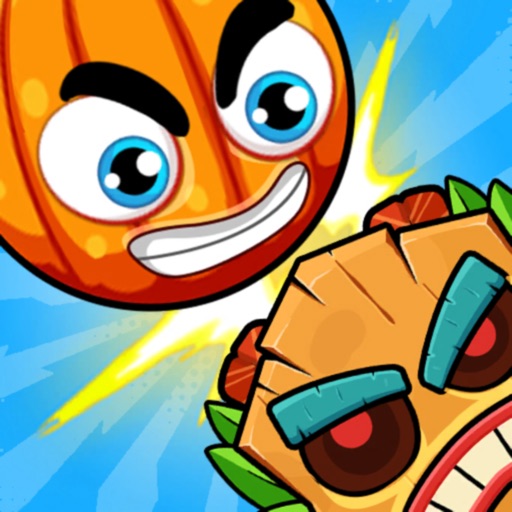
Coming to season 2, the ball hero returns to his hometown. Seeing the forest invaded by hordes of monsters and zombies, the ball hero must once again show his talent to rescue his friends and relatives.
Your mission is to control ball hero
move around the jungle looking to destroy the monsters, zombie
Control ball hero easily with 3 basic keys, there are many monsters along the way you need a little more quick wit
skillfully bring the ball over the obstacles to find the door at the end of the screen
How to play:
- use left and right keys to move Ball
- use the up key to make the Ball jump or fly high
- jump on top of the enemy to destroy them
- find the last door to go to a new land with a new challenge
Featured:
- New canon, pinwheel bamboo, and many awesome item
- Move, jump, and puzzle
- physics control, on a familiar 2D platform
- beautiful graphics
- more than 20 superhero skin samples
- Vivid sound effects
- Challenging levels suitable for many ages
- join the game for free
Survive to the last door... Ball Hero 2: Back to Jungle free game beautiful pictures
Full of fun challenges are waiting for you.
\n'Version: 1.3.8
Size: 112.92MB