Description:
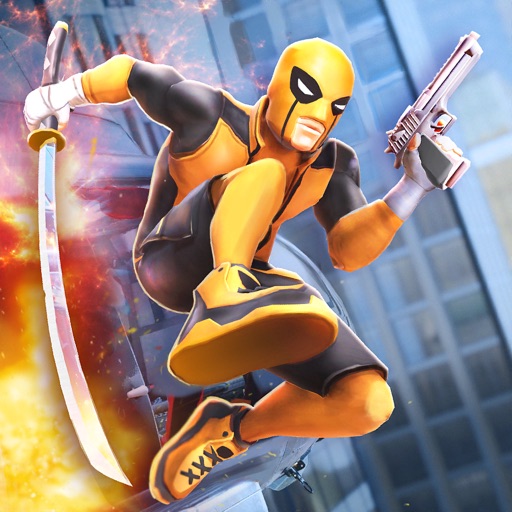
b"SUPERHERO WITH PISTOL AND KATANA
You play as a fictional character, a mercenary with the superhuman ability of regeneration and physical prowess.
CRAFT NEW SKILLS
Unlock new super abilities by gaining fighting experience and becoming even more deadliest.
BECOME THE SUPER FIGHTER AGAINST CRIMINAL GANGS
This Dead X hero fighting game takes place in a criminal city. Crime bosses are your rivals and you have to save the city by defeating them. Police and army forces are corrupted. The grand city is under the supervillains’ oppression. As a superhero, do your best to defeat bosses in the best dead x hero fighting game!
EPIC STREET FIGHTING GAME
The street fighting game is created in the beat 'em up genre, like one of the best superhero games. Perform melee attacks and epic super abilities with pistol and katana as a super ninja.
ULTIMATE STREET BRAWLS
This fighting game has been made for fans of superheroes from comics. Collect cash to unlock new perks, epic passive and active super abilities to become an absolute superhero!
UNLOCK NEW COMBOS AND ABILITIES
Use the pistol, katana, passive skills and abilities: shocking shots, power strikes and fatalities.
\n"Version: 1.0.9
Size: 158.64MB